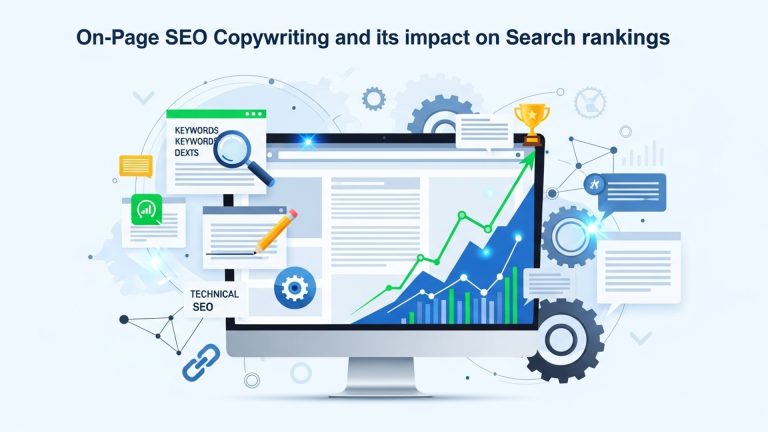
How to Create the Ultimate On-Page SEO Checklist for Better Rankings
In an ever-evolving digital landscape dominated by search engine algorithms, mastering an effective on-page SEO checklist is the key to unlocking better rankings and driving organic traffic. With Google prioritizing user experience and content relevance through updates like E-E-A-T (Experience, Expertise, Authoritativeness, Trustworthiness) and Core Web Vitals, every detail matters – from optimizing title tags and meta descriptions to structuring content with semantic HTML and refining internal linking strategies. For instance, ensuring fast page load speeds and mobile-friendly designs can significantly boost rankings as these are now critical ranking factors. By leveraging tools like Google Search Console and SEO auditing platforms, identifying gaps in your pages’ SEO structure becomes more precise. Staying ahead in 2026 demands a meticulous approach to on-page optimization that reflects both technical accuracy and user-centric strategies, ultimately helping your website outperform competitors and align with evolving algorithms seamlessly.
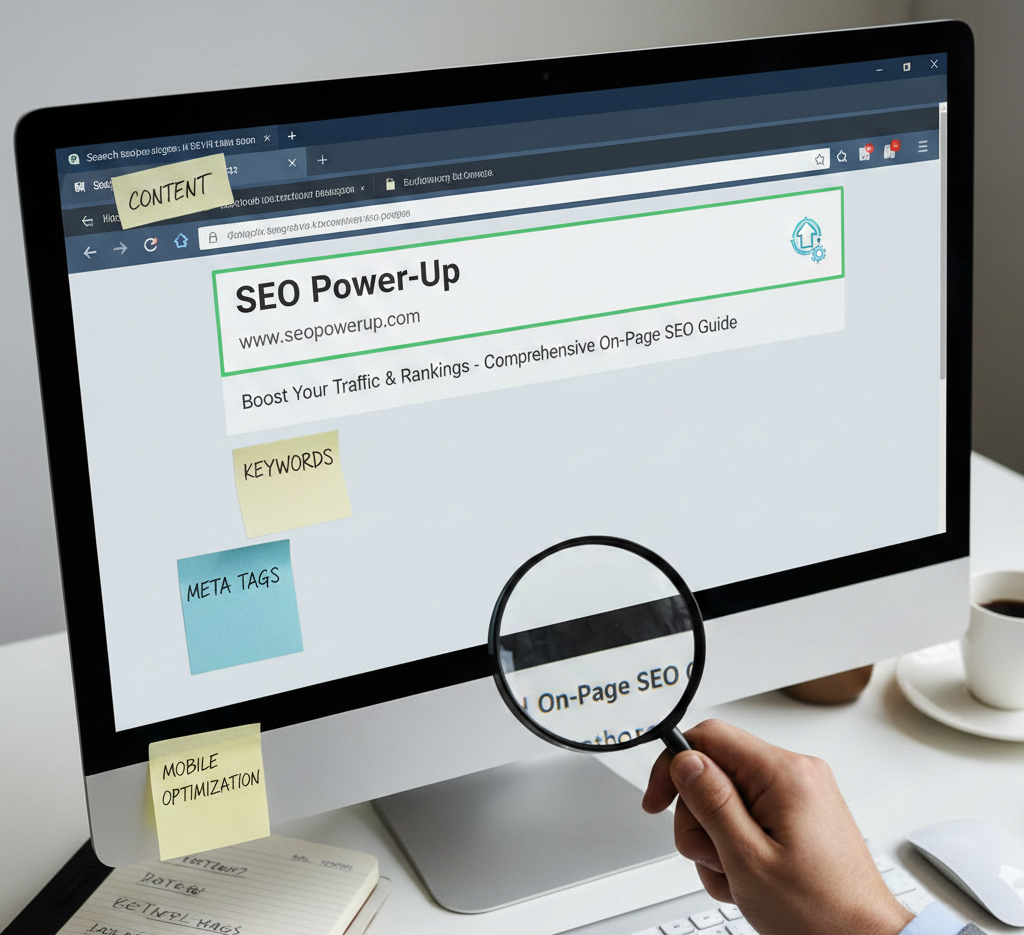
Comprehend the Basics of On-Page SEO
- What is On-Page SEO? On-page SEO refers to optimizing individual web pages to rank higher and earn more relevant traffic in search engines. This includes both the content itself and the HTML source code.
- Why Does It Matter? Good on-page SEO ensures your website is readable and optimized for users and search engines. Without it, even great content may fail to rank.
Perform Keyword Research
-
- Identify Target Keywords
Use tools like Google Keyword Planner, SEMrush, or Ahrefs to find relevant keywords with high search volume and manageable competition.
-
- review Intent
Ensure the keyword aligns with the intent of your content. For example, a user searching for “on-page SEO checklist” likely wants step-by-step guidance.
-
- Focus on Long-Tail Keywords
Phrases like “best on-page SEO checklist for small businesses” may have lower search volume but often result in higher-quality traffic.
Write Compelling Meta Titles and Descriptions
-
- Optimize Meta Titles
Include your primary keyword naturally. Keep it concise (50-60 characters) and engaging to encourage clicks.
-
- Craft Meta Descriptions
Write a clear and compelling description (around 150-160 characters) that summarizes the content and includes your keyword.
-
- Use Actionable Language
Words like “Discover,” “Learn,” or “Start” can improve click-through rates.
Optimize Header Tags (H1, H2, H3)
-
- Use Only One H1 Tag
This should contain your main keyword and describe the overall topic.
-
- Subheadings for Structure
Break your content into sections using H2, H3. H4 tags. Include secondary keywords naturally in these subheadings.
-
- Improve Readability
Organized content is easier for both users and search engines to comprehend.
Focus on Quality Content
-
- Write for Users, Not Search Engines
Create content that provides value, answers questions. solves problems.
-
- Maintain Originality
Avoid duplicate content. Search engines penalize websites with copied or low-quality content.
-
- Incorporate Keywords Naturally
Avoid keyword stuffing. Place them strategically in the introduction, subheadings. conclusion.
-
- Include Multimedia
Add images, infographics, or videos to enhance engagement and time-on-page metrics.
Ensure Mobile-Friendliness
-
- Responsive Design
Use a design that adjusts seamlessly across devices of different sizes.
-
- Check Mobile Usability
Tools like Google’s Mobile-Friendly Test can identify issues impacting mobile users.
-
- Optimize Tap Targets
Ensure buttons and links are easily clickable on smaller screens.
Improve Page Load Speed
-
- Minimize File Sizes
Compress images and use modern formats like WebP to reduce load time.
-
- Use a CDN
A Content Delivery Network can speed up content delivery by reducing server response time.
-
- Leverage Browser Caching
Allow frequently used resources to be stored locally on users’ devices.
-
- examine Performance
Tools like Google PageSpeed Insights provide actionable recommendations for speeding up your site.
Optimize URL Structure
-
- Use Short, Descriptive URLs
A clean URL like “example. com/on-page-seo-checklist” is better than “example. com/p=12345”.
-
- Include Keywords
Use your primary keyword in the URL. avoid stuffing.
-
- Avoid Dynamic Parameters
Where possible, opt for static URLs over ones with multiple parameters.
Use Internal and External Links
-
- Internal Linking
Link to other relevant pages on your website to keep readers engaged and spread link equity.
-
- External Linking
Link to credible sources to provide additional value and improve your content’s trustworthiness.
-
- Anchor Text Optimization
Use descriptive and keyword-rich anchor text for your links.
Add Structured Data Markup
-
- What is Structured Data? This is a standardized format for providing details about a page and its content to search engines.
- Use Schema. org Markup
Implement schema types such as “Article,” “FAQ,” or “Breadcrumb” to enhance your search result appearance.
-
- Validate Your Markup
Use Google’s Rich Results Test to check your structured data implementation.
Image Optimization
-
- Use Descriptive File Names
Instead of “IMG1234. jpg,” use “on-page-seo-checklist. jpg.”
-
- Add Alt Text
Include relevant keywords in the image’s alt text to improve accessibility and SEO.
-
- Compress Images
Use tools like TinyPNG to reduce file size without compromising quality.
-
- Use Captions
Where appropriate, captions can improve user engagement and context.
Monitor and Update Content
-
- Track Performance
Use Google Analytics and Google Search Console to monitor page performance and rankings.
-
- Refresh Older Content
Update outdated statistics, add new insights. improve underperforming pages.
-
- Review Competitors
Identify what competitors are doing better and adapt your content accordingly.
Conclusion
Creating the ultimate on-page SEO checklist is not just about ticking off tasks; it’s about strategically aligning your content with search intent, technical optimization. user experience. Current trends, such as Google’s emphasis on E-E-A-T (Experience, Expertise, Authoritativeness, Trustworthiness), remind us that high-quality content paired with technical precision is what earns sustainable rankings. A personal tip is to periodically audit your checklist to align with algorithm updates and evolving user behavior. For example, the rise of AI in SEO tools allows you to automate content analysis and enhance optimization in real-time, as discussed in resources like this guide. Also, don’t underestimate the power of internal linking to boost content discovery while improving user retention. Consistency is key – incremental improvements lead to exponential results. Approach SEO as a dynamic process, one that thrives when you remain adaptive and proactive.
More Articles
How AI-Powered Analytics Is Changing Marketing Strategy
How Do You Build a Scalable Content Strategy & Planning System
Must-Have AI Tools for Content, SEO. Performance Marketing
Top 10 SEMrush Alternatives in 2025 – Your Complete Guide
What Is Content Automation? A Practical Guide for Modern Teams

FAQs
What is an on-page SEO checklist?
An on-page SEO checklist is a list of tasks and strategies used to optimize web pages for better visibility and rankings on search engines.
Why is on-page SEO so essential?
On-page SEO helps search engines interpret your content, making it easier for them to rank your site for relevant keywords.
Which elements should be included in an on-page SEO checklist?
Include things like title tags, meta descriptions, headers, internal linking, image optimization, keyword placement. mobile responsiveness.
How do I figure out the best keywords for my pages?
Use keyword research tools to find popular and relevant terms your audience is searching for. focus on ones with a good balance of search volume and competition.
Should I optimize images too?
Yes, optimizing images by compressing their size, adding alt text. using relevant filenames can improve your page’s loading speed and SEO.
How often should I update my on-page SEO checklist?
You should revisit your checklist periodically, especially when there are updates to search engine algorithms or changes in your website content.
What’s the deal with mobile-friendly optimization?
Making your site mobile-friendly is crucial because search engines prioritize responsive and easy-to-navigate pages for mobile users.