How To Optimize Cloud Costs Without Sacrificing Performance
As businesses increasingly adopt cloud solutions to power operations, the challenge of achieving cloud cost efficiency without compromising performance has become a critical focus. With rising cloud expenses driven by underutilized resources, over-provisioning. complex pricing models, organizations are reevaluating their strategies to stay competitive. Recent advancements, such as predictive scaling and automation tools from providers like AWS and Azure, now enable companies to dynamically adjust resources based on real-time demand, reducing waste while maintaining robust performance. For instance, the adoption of FinOps practices, which combine financial management with cloud operations, has gained traction as teams collaborate to optimize spending. Also, leveraging multi-cloud strategies and platform-specific cost calculators empowers businesses to make data-driven decisions tailored to workload requirements. Striking the right balance between cost and performance is no longer a technical luxury – it’s a strategic necessity in today’s fast-paced digital economy.
Understanding Cloud Cost Efficiency
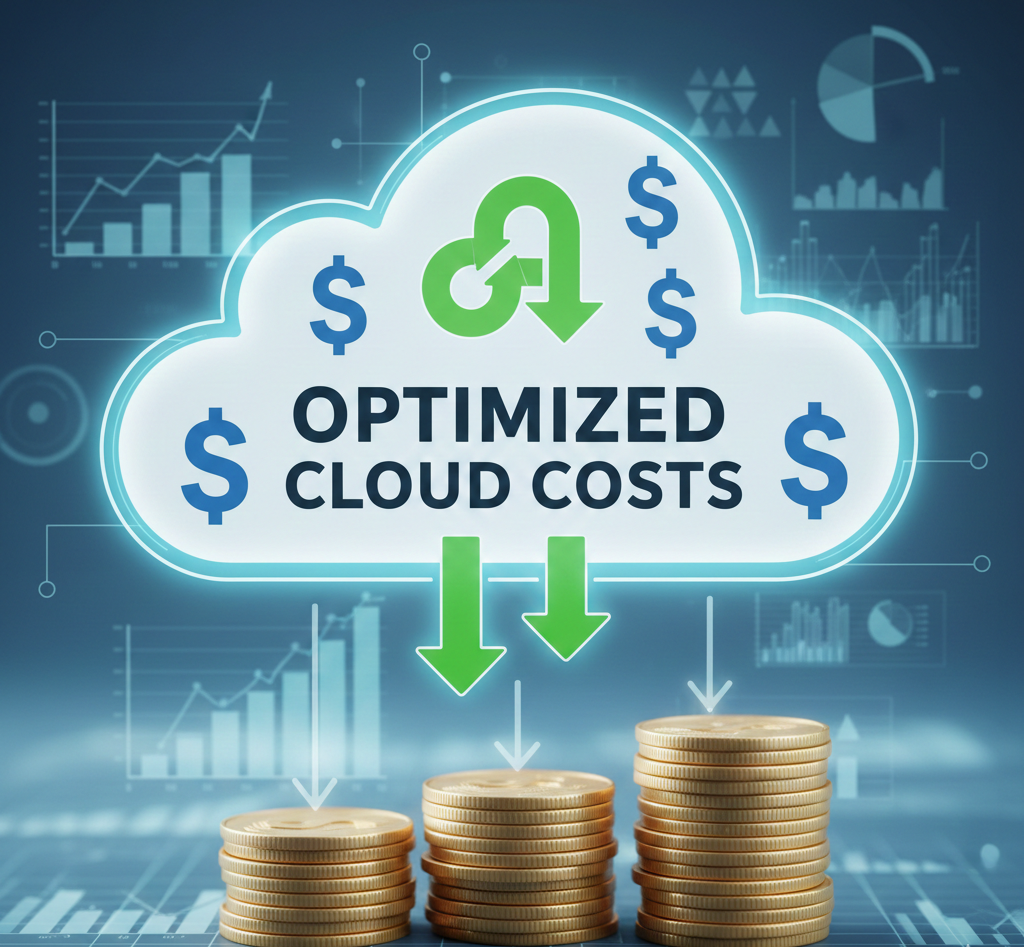
Cloud cost efficiency refers to the practice of optimizing cloud expenses while ensuring that the performance, reliability and scalability of your cloud services are not compromised. This involves striking a balance between cost control and operational effectiveness to maximize the value derived from cloud resources.
The Importance of Monitoring and Analyzing Cloud Usage
- Why Monitoring is Essential
- Without a clear understanding of your cloud usage, it becomes impossible to identify inefficiencies. Monitoring tools help track resource consumption, detect unused resources. forecast future needs.
- Key Metrics to Track
- Metrics such as CPU utilization, storage I/O, memory usage, network traffic and instance uptime provide insights into how resources are consumed and whether they align with your business objectives.
- Recommended Tools
- Tools like AWS Cost Explorer, Google Cloud Monitoring. Azure Cost Management provide detailed visibility into cloud usage patterns and costs, enabling data-driven decision-making.
Implementing Autoscaling for Cost Optimization
Autoscaling allows cloud services to dynamically adjust the number of resources allocated based on workload demands. This ensures that you only pay for what you use, reducing waste and improving cloud cost efficiency.
- Horizontal vs. Vertical Scaling
- Horizontal scaling adds or removes instances to manage load, making it ideal for stateless applications.
- Vertical scaling increases or decreases the size of an instance, which works well for applications with a consistent workload.
- Use Case
- An e-commerce platform may experience traffic spikes during sales events. With autoscaling, the platform can handle increased demand without over-provisioning resources during off-peak periods.
Leveraging Reserved Instances and Savings Plans
One of the most effective ways to optimize cloud costs without affecting performance is by committing to long-term usage through reserved instances or savings plans.
- Reserved Instances
- These provide a significant discount (up to 75%) compared to on-demand pricing by locking in a specific instance type and region for a one or three-year term.
- Savings Plans
- These offer flexibility by allowing users to commit to a specific dollar amount of cloud usage per hour, rather than tying them to a specific instance type.
- Comparison
Feature
Reserved Instances
Savings Plans
Flexibility
Limited to chosen instance type and region
Flexible across instance types and regions
Cost Savings
Up to 75%
Up to 72%
Commitment
1 or 3 years
1 or 3 years
Optimizing Storage Solutions
Storage costs can quickly escalate if not properly managed. By selecting the right storage tier and optimizing data storage practices, organizations can achieve significant savings.
- Storage Classes
- Cloud providers offer various storage classes optimized for different use cases, such as AWS S3 Standard for frequently accessed data and AWS S3 Glacier for archival storage.
- Data Lifecycle Policies
- Implementing lifecycle policies to automatically transition data between storage tiers based on age can reduce costs.
- Example
- A media company storing large video files can use a lifecycle policy to move older files to cold storage after 30 days.
Utilizing Spot Instances for Non-Critical Workloads
Spot instances allow users to leverage unused cloud capacity at a fraction of the cost of on-demand instances. These are particularly useful for workloads that are interruptible or do not need to run continuously.
- Cost Savings
- Spot instances can offer discounts of up to 90% compared to on-demand pricing.
- Use Cases
- Batch processing
- Big data analytics
- Development and testing environments
- Consideration
- Since spot instances can be terminated with little notice, they are not suitable for mission-critical workloads.
Employing Rightsizing for Resource Optimization
- Definition
- Rightsizing involves analyzing resource utilization and adjusting instance types, sizes, or configurations to better align with actual workload demands.
- Strategy
- Use cloud provider tools like AWS Compute Optimizer or Azure Advisor to identify underutilized or overprovisioned resources.
- Example
- A company running a database on an overprovisioned instance could downsize to a smaller instance without losing performance, thereby reducing costs.
Adopting Multi-Cloud or Hybrid Cloud Strategies
Multi-cloud or hybrid cloud strategies allow organizations to distribute workloads across multiple cloud providers or between cloud and on-premises environments, optimizing for cost and performance.
- Multi-Cloud
- Using services from different providers to take advantage of cost efficiencies or unique offerings.
- Hybrid Cloud
- Combining on-premises infrastructure with cloud services to maintain control over sensitive data while leveraging cloud scalability.
- Example
- A financial institution can keep sensitive customer data on-premises while using the cloud for large-scale data analytics.
Conclusion
Optimizing cloud costs without compromising on performance is not just achievable but essential in today’s digital landscape. By leveraging a combination of cost monitoring tools, rightsizing resources. adopting modern strategies like server less computing, businesses can strike the perfect balance between efficiency and performance. Remember, every dollar saved is an opportunity to reinvest in innovation. Start small, stay adaptable and let optimization be a continuous process. Your cloud strategy can be both cost-effective and high-performing – it begins with action today.
More Articles
How AI-Powered Analytics Is Changing Marketing Strategy
Must-Have AI Tools for Content, SEO. Performance Marketing
How to Overcome Big Data Challenges with Effective Strategies
How API Publishing Powers Automated Content at Enterprise Scale
How Do You Build a Scalable Content Strategy & Planning System

FAQs
What’s the first step to cutting cloud costs without losing performance?
Start by analyzing your current cloud usage. Look into services you’re using, idle resources. unnecessary capacity that can be optimized.
Is it worth using auto-scaling?
Absolutely! Auto-scaling adjusts resources automatically based on demand, so you’re not paying for unused capacity during low-usage periods.
Can switching to reserved instances save money?
Yes, reserved instances can be significantly cheaper compared to on-demand pricing, especially if you can predict your long-term usage needs.
How can I avoid paying for unused resources?
Regularly audit your cloud environment and terminate unused resources like old virtual machines or storage volumes that aren’t being utilized.
Do cloud provider discounts or plans make a big difference?
Yes, many providers offer tiered discounts or specific pricing models tailored to your needs. Picking the right plan can make a huge difference in costs.
What tools can help with cloud cost optimization?
There are plenty of tools like AWS Cost Explorer, Azure Cost Management, or third-party solutions that can monitor usage and suggest cost-saving opportunities.
How do I balance cost-saving with performance needs?
Prioritize critical workloads and invest in tools that provide real-time monitoring. You can allocate resources strategically while ensuring performance doesn’t suffer.
What role does data transfer play in cloud costs?
Data transfer costs can add up quickly, especially across regions. Optimize by keeping data close to your application and minimizing unnecessary transfers.