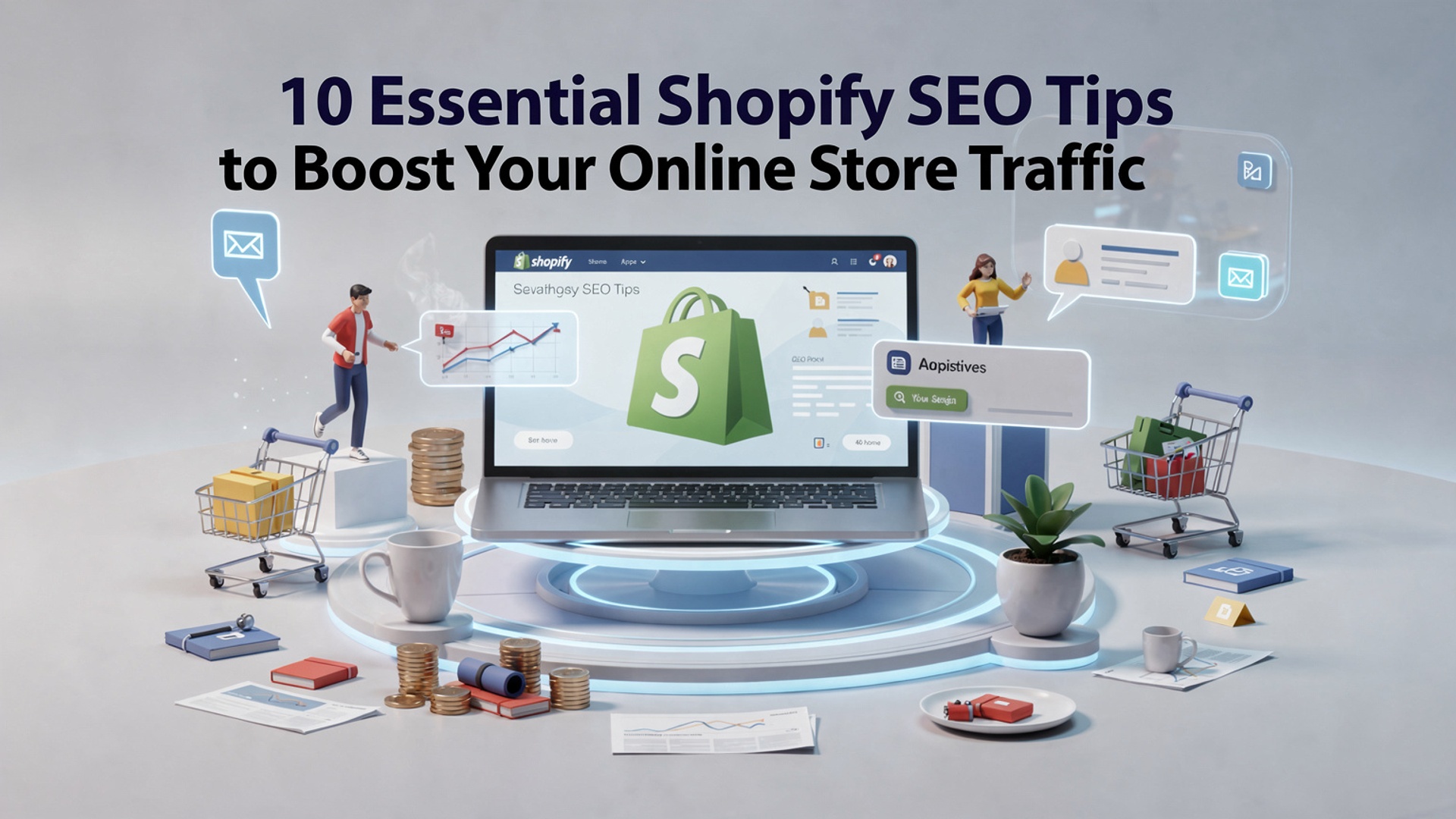
10 Essential Shopify SEO Tips to Boost Your Online Store Traffic
Driving traffic to your Shopify store requires more than great products – it demands a strategic approach to SEO that aligns with ever-evolving search engine algorithms. With Google prioritizing user experience and search intent, optimizing your Shopify store for visibility is essential to stay ahead in the crowded e-commerce landscape. For instance, focusing on mobile responsiveness, a critical factor given the dominance of mobile shopping, or leveraging structured data to enhance your product listings in search results can significantly impact your rankings. With Shopify’s built-in SEO features, combined with thoughtful strategies like improving site speed and optimizing your URLs, you have the tools to climb search rankings, attract targeted audiences. convert clicks into loyal customers. Mastering these tactics can set your online store apart from competitors.
Optimize Your Shopify Store’s Title Tags and Meta Descriptions
- Use your primary keyword, such as “Shopify SEO tips,” in the title tag to help search engines grasp the page’s content.
- Craft compelling meta descriptions that include the keyword naturally while enticing users to click through.
- Keep the title tag under 60 characters and meta descriptions under 155 characters for better display in search results.
- A/B test different variations of titles and descriptions to find which combination yields the highest click-through rate (CTR).
Conduct Keyword Research for Targeted Traffic
- Identify high-volume, low-competition keywords relevant to your niche using tools like Google Keyword Planner, Ahrefs, or SEMrush.
- Target long-tail keywords such as “Shopify SEO tips for beginners” to attract specific audiences.
- Examine competitor keywords to discover overlooked opportunities.
- Integrate keywords naturally throughout your page’s content, including headings, body text and product descriptions.
Optimize Your Product Pages
- Ensure each product page has a unique title and description with relevant keywords.
- Optimize images by using descriptive file names and alt text that includes your keywords.
- Highlight product benefits and unique selling points to improve customer engagement and reduce bounce rates.
- Use structured data (schema markup) to enhance product page visibility in search engines.
Improve Website Loading Speed
- Compress images to reduce file size without sacrificing quality using tools like TinyPNG or ImageOptim.
- Enable browser caching and use a Content Delivery Network (CDN) like Cloudflare to optimize loading speeds.
- Reduce unnecessary apps and scripts that slow down your Shopify store.
- Run your store through Google PageSpeed Insights to identify performance bottlenecks.
Implement Mobile-Friendly Design
- Choose a responsive Shopify theme that adapts seamlessly to all screen sizes.
- Test your site’s mobile usability using Google’s Mobile-Friendly Test tool.
- Ensure buttons and navigation menus are accessible and easy to use on smaller screens.
- Focus on delivering a fast and smooth checkout experience for mobile users.
Create High-Quality, SEO-Optimized Content
- Start a blog on your Shopify store to publish informative articles featuring your target keywords, such as “Shopify SEO tips.”
- Share valuable insights, tutorials and industry news to establish authority in your niche.
- Update old blog posts with fresh data and keywords to maintain relevance.
- Use internal linking to direct readers from your blog to product pages or other key areas of your Shopify store.
Utilize Internal Linking Effectively
- Link related products and pages to help users discover more of your store’s offerings.
- Use descriptive anchor text that includes keywords to improve SEO while guiding visitors.
- Structure your site so that users can easily navigate without encountering dead ends.
- Leverage breadcrumbs to aid navigation and boost SEO.
Leverage Backlink Strategies
- Collaborate with bloggers and influencers in your industry to earn high-quality backlinks to your store.
- Submit your site to reputable business directories relevant to your niche.
- Create shareable content like infographics or guides that others might link to.
- Monitor your backlink profile using tools like Ahrefs to ensure links are high-quality and relevant.
Optimize Shopify Store Navigation
- Design a clear hierarchy for your site menu, ensuring visitors can find products easily.
- Use drop-down menus for categories and subcategories to keep navigation intuitive.
- Prioritize essential pages like Contact, About Us. Shipping insights in your main menu.
- Add a searchable field to your website to improve user experience and site accessibility.
Track and Measure Your SEO Progress
- Set up Google Analytics and Google Search Console to track your Shopify store’s traffic and performance.
- Monitor keyword rankings and CTR using SEO tools like SEMrush or Serpstat.
- Regularly audit your site for broken links, duplicate content and technical issues.
- Adjust your strategy based on analytics insights to continually improve your store’s SEO performance.
Conclusion
Optimizing your Shopify store for SEO is not just a technical necessity but a strategic investment in the growth of your online business. By implementing these ten essential tips, you can create a website that not only ranks well on search engines but also offers a seamless and engaging shopping experience for your customers. From refining meta descriptions and optimizing images to focusing on mobile usability and leveraging keyword research, every step plays a crucial role in driving organic traffic and increasing conversions. Remember, SEO is not a one-time task but an evolving process that requires constant monitoring and adjustments. Each improvement you make brings you closer to long-term success. Keep experimenting, learning and adapting – your online store’s growth is only a few optimized steps away.
More Articles
Your Growth Playbook for Shopify Sales Optimization
Common Shopify Sales Mistakes That Are Costing You Revenue
How to Create the Ultimate On-Page SEO Checklist for Better Rankings
10 Actionable WordPress SEO Tips for Better Site Rankings

FAQs
What is Shopify SEO. why does it matter?
Shopify SEO is the process of optimizing your Shopify store so it ranks higher on search engines like Google. It matters because better rankings mean more organic traffic and potential sales.
How crucial are keywords for Shopify SEO?
Keywords are crucial as they help search engines interpret what your store is about. Use relevant keywords in product titles, descriptions. headings to attract the right audience.
Can I improve SEO without technical skills?
Absolutely! Many Shopify SEO tips, like optimizing product descriptions and improving page speed, don’t require advanced technical knowledge.
What role does site speed play in SEO for Shopify stores?
Site speed is a big deal. A fast-loading store improves user experience and can boost your rankings since search engines prioritize speedy websites.
Do product images affect SEO?
Yes, they do. Optimize your images by using descriptive alt text and compressing file sizes to improve loading time and SEO performance.
Is blogging useful for Shopify SEO?
Definitely! Blogging helps you target more keywords, provide useful content. build authority, which can all contribute to better rankings.
Should I focus on mobile optimization for my store?
Yes, mobile optimization is vital since a large percentage of shoppers use their phones. A mobile-friendly site improves user experience and search engine rankings.
How can I use meta titles and descriptions for better SEO?
Write clear and compelling meta titles and descriptions with relevant keywords. These elements influence click-through rates and help search engines interpret your content.