



CMS Selection Guide for Modern Digital Architectures
Choosing a Content Management System (CMS) is no longer a simple feature comparison exercise. In today’s digital ecosystem, a CMS directly shapes developer productivity, operational complexity, scalability, and long-term flexibility. A strategic selection process requires examining not just editorial capabilities but also architectural design, API behavior, data structures, performance characteristics, and cost implications.
Organizations that treat CMS decisions as purely marketing or UI concerns often encounter bottlenecks later in growth, performance, or integration. A modern CMS evaluation must instead focus on how the platform behaves under real-world technical demands.
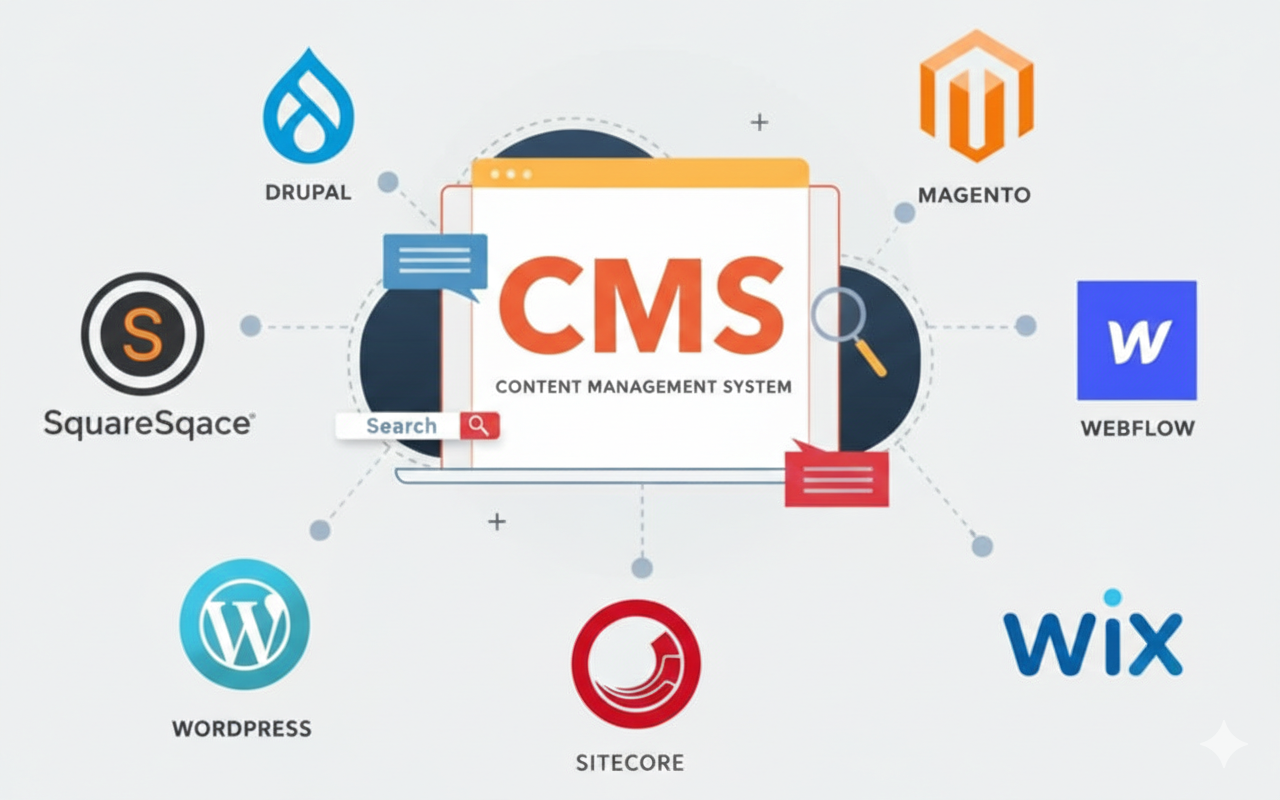
Understanding CMS Architectural Paradigms
Monolithic CMS
A monolithic CMS combines the content repository, backend logic, and presentation layer within a single system. Traditional implementations render complete HTML pages on the server for every request. This model simplifies initial deployment and reduces architectural complexity, making it attractive for smaller teams or straightforward projects.
However, tight coupling between content and presentation can restrict flexibility. Server-side rendering overhead, plugin conflicts, and database load can also degrade performance under traffic spikes. Without careful optimization, metrics like Time to First Byte (TTFB) and Largest Contentful Paint (LCP) may suffer.
Monolithic systems excel in simplicity but often demand aggressive caching, CDN integration, and performance tuning to remain competitive.
Headless CMS
A headless CMS separates content management from presentation entirely. Content is exposed through APIs (typically REST or GraphQL), enabling developers to use any frontend framework. This architecture treats content as structured data rather than pre-rendered pages.
The advantages are substantial:
- Omnichannel delivery becomes straightforward
- Frontend technologies evolve independently
- Rendering workloads shift away from the CMS
Performance gains are common when combined with Static Site Generation (SSG) or edge delivery. Yet, this flexibility introduces complexity. Teams must manage multiple deployment layers, API orchestration, and JavaScript performance considerations.
Headless platforms are powerful but require mature development workflows and disciplined architecture.
Decoupled CMS
A decoupled CMS occupies the middle ground. It retains native rendering capabilities while also providing APIs for external consumption. This allows phased transitions or hybrid digital experiences.
While versatile, decoupled systems may introduce redundancy if native and API-driven approaches are not carefully aligned. Maintenance and debugging can also become more demanding.
Performance and Core Web Vitals Considerations
Performance is not an afterthought in CMS selection. Core Web Vitals (CWV) directly affect user experience and search visibility.
Largest Contentful Paint (LCP)
LCP reflects how quickly primary content appears. CMS-driven factors influencing LCP include:
- Server-side rendering efficiency
- Database query overhead
- Asset delivery strategies
- CDN usage
Headless and pre-rendered architectures often achieve superior LCP by minimizing runtime processing. Monolithic systems can perform well but depend heavily on caching and resource optimization.
First Input Delay (FID)
FID measures responsiveness. Excessive JavaScript execution, often introduced through themes, plugins, or third-party scripts, can block the browser’s main thread.
Modern build pipelines, bundle splitting, and script deferral strategies are critical. CMS platforms that encourage uncontrolled script injection may struggle to maintain low FID values.
Cumulative Layout Shift (CLS)
CLS captures visual stability. Common CMS-related causes include:
- Images without defined dimensions
- Dynamically injected components
- Poorly handled embeds
A CMS that enforces structured media handling and layout consistency significantly reduces CLS risk.
Scalability and Infrastructure Resilience
Enterprise CMS decisions must account for how the platform behaves under load.
Horizontal vs Vertical Scaling
Vertical scaling (adding resources to a single server) offers limited sustainability. Horizontal scaling (distributing workloads across instances) provides superior resilience and elasticity.
Key mechanisms include:
- Load balancing
- Database replication
- Edge caching
- Distributed asset delivery
Caching Strategies
Effective caching drastically reduces backend strain. Techniques such as full-page caching, object caching, and CDN-based asset delivery transform system responsiveness.
Managed vs Self-Hosted Trade-Offs
Self-hosted CMS solutions offer full control but impose responsibility for uptime, security, backups, and scaling. SaaS platforms abstract infrastructure concerns yet may introduce vendor lock-in or configuration constraints.
The decision hinges on internal capabilities, risk tolerance, and growth projections.
Extensibility and Developer Experience
The longevity of a CMS often depends on how easily it integrates and adapts.
API Design
Modern CMS platforms emphasize API-first architectures. GraphQL adoption is increasing due to its efficiency in querying complex content relationships with minimal network overhead.
Webhooks and Integrations
Event-driven workflows enable real-time synchronization with search engines, CRMs, analytics platforms, and marketing tools. Robust webhook support reduces manual intervention and latency.
Developer Experience (DX)
Strong documentation, SDK availability, predictable APIs, and efficient tooling significantly reduce development friction. Poor DX directly inflates project timelines and operational costs.
Open ecosystems encourage flexibility but may increase governance challenges.
Security, Compliance, and Data Governance
Security posture is foundational in CMS evaluation.
Access Control and Authentication
Role-Based Access Control (RBAC), Single Sign-On (SSO), and Multi-Factor Authentication (MFA) protect editorial workflows and administrative operations.
Data Protection Mechanisms
Encryption at rest, TLS-secured communication, Web Application Firewalls (WAF), and audit logs are essential safeguards.
Compliance Requirements
Regulatory frameworks impose strict data handling obligations. CMS platforms must support regional data residency, consent management, retention policies, and content traceability.
Governance Capabilities
Content versioning, validation rules, and lifecycle management mechanisms maintain integrity and accountability.
Total Cost of Ownership (TCO) and ROI Analysis
CMS costs extend far beyond licensing fees.
Hidden Cost Factors
- Infrastructure and hosting
- Custom development
- Security management
- Maintenance and updates
- Training and onboarding
- Migration expenses
Productivity Impacts
Developer efficiency and editorial usability directly influence ROI. A CMS that accelerates feature delivery and content operations generates measurable business value.
Long-Term Strategic Value
Lower upfront costs may conceal scalability limitations or future migration risks. Sustainable ROI demands lifecycle-based financial modeling.
Advanced Content Modeling and Personalization
Modern CMS platforms increasingly function as experience engines rather than static repositories.
Structured Content Modeling
Component-based, schema-driven content structures enable reuse, consistency, and omnichannel deployment.
Personalization Mechanisms
Dynamic content assembly based on audience segmentation, behavioral data, or AI-driven predictions enhances engagement but increases architectural complexity.
Effective personalization requires careful data governance and experimentation frameworks.
Migration and Legacy System Integration
Few CMS projects begin from scratch. Migration planning is critical.
Content Migration Mechanics
Successful migrations rely on Extract, Transform, Load (ETL) workflows. Data mapping and transformation are often the most complex phases.
Legacy Integration Challenges
Disparate protocols, outdated APIs, and embedded business logic complicate integration. API gateways and middleware layers frequently act as translation and orchestration hubs.
Risk Mitigation Strategies
Phased migrations and validation audits reduce disruption and preserve SEO performance.
Conclusion
Selecting a CMS is fundamentally an architectural decision. The right platform aligns with performance objectives, scalability needs, integration requirements, security standards, and operational realities.
A practical approach involves building a proof-of-concept, benchmarking performance metrics, validating API behavior, and modeling long-term costs. Every CMS entails trade-offs. The goal is not merely to deploy content but to establish a resilient, extensible, and future-ready digital foundation.
More Articles
Your Ultimate CMS Migration Checklist to Ensure a Flawless Data Transfer
The Complete Roadmap to Building a Thriving Content Marketing Strategy
How to Build Scalable App Infrastructure for Future Growth and High Traffic
Cloud Computing Versus On-Premise Servers Which Is Right For Your Business

FAQs
What exactly is a CMS and why should I care?
A CMS (Content Management System) is software that helps you create, manage and modify content on your website without needing to be a coding expert. You should care because it makes running a website much easier, letting you focus on your content and audience instead of technical hassles.
Where do I even begin when trying to pick a CMS?
Start by figuring out what you really need. What’s the main goal of your website? What kind of content will you publish? Who will be using the CMS? Jot down your priorities and non-negotiables before you even look at options.
What are the absolute must-have features I should look for?
Look for ease of use (an intuitive interface), robust content editing tools, mobile responsiveness, good SEO capabilities and strong security features. Also, consider if it supports the types of media and content you plan to use, like blogs, e-commerce, or portfolios.
How can I tell if a CMS will be easy for my team to use?
The best way is to try it out! Many CMS platforms offer free trials or demos. Pay attention to the dashboard, content editor and navigation. If it feels clunky or confusing during a demo, it’s likely to be a headache later on. User-friendliness is key for productivity.
My business might grow a lot. Can a CMS keep up with that?
Absolutely! Scalability is super crucial. Make sure the CMS you choose can handle increased traffic, more content and potentially new features as your business expands. Look for options that allow for easy upgrades or have a strong ecosystem of plugins and integrations to grow with you.
Is CMS security something I really need to worry about?
Yes, definitely! Security is a huge deal. Your website holds essential data. you don’t want it compromised. Check for features like regular security updates, user role management, SSL certificate support and reliable backup options. A secure CMS protects both your data and your visitors’ trust.
What kind of support should I expect if I run into problems?
Good question! Look for a CMS with reliable support options. This could be official vendor support (especially for paid platforms), a strong community forum, extensive documentation, or helpful tutorials. Knowing you can get assistance when you need it can save a lot of headaches down the road.