



CMS Migration: A Strategic Transformation, Not a Simple Transfer
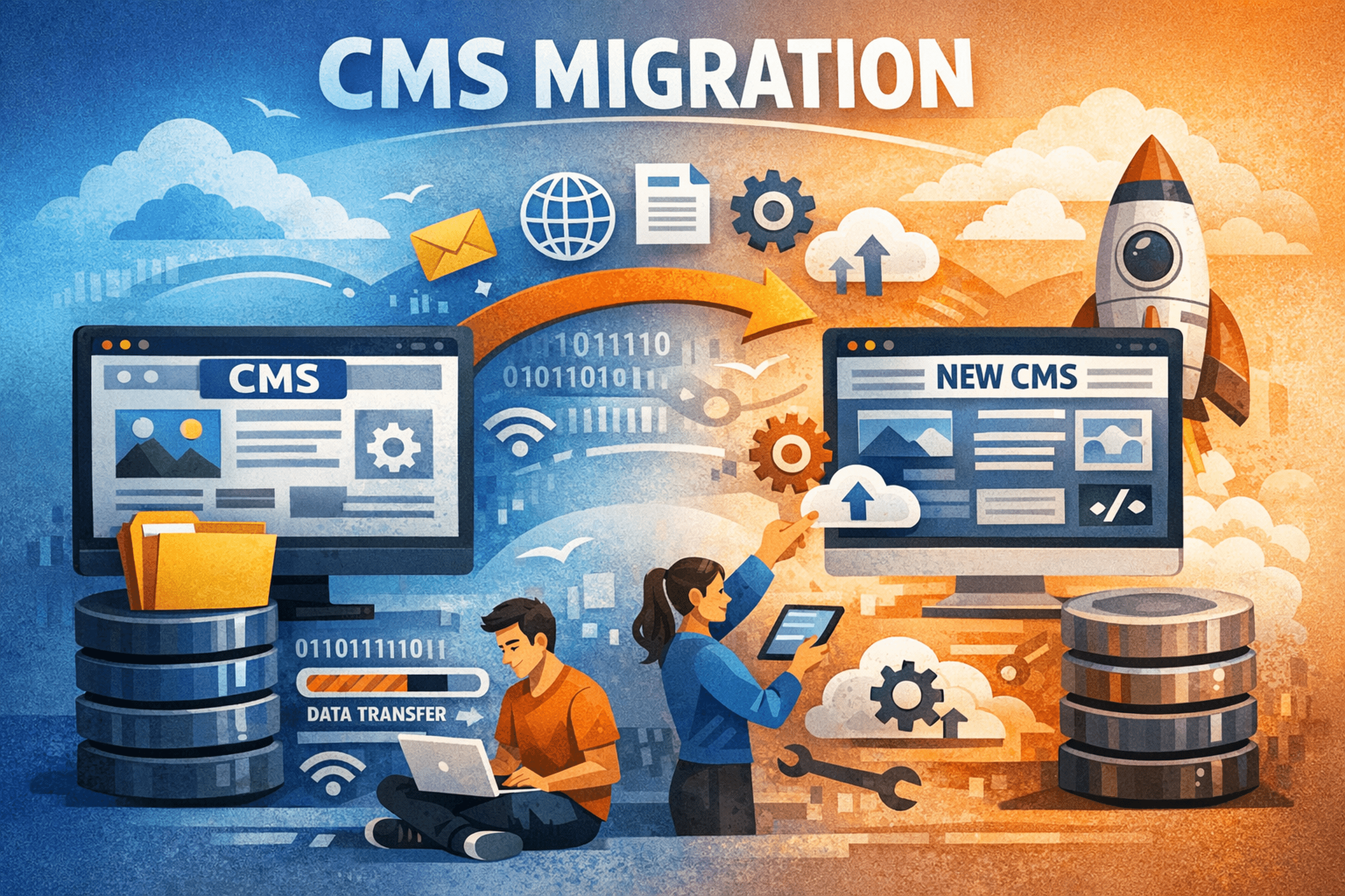
Upgrading or re-platforming a Content Management System (CMS) is rarely a straightforward data transfer. It is more accurately a structural transformation of your digital foundation, where every content asset, metadata layer, and relational dependency must be preserved with precision. Whether transitioning from a legacy monolithic CMS to a headless architecture or adopting a composable stack, the challenges extend far beyond exporting a database.
Successful migrations demand careful planning around schema transformations, asset handling, SEO preservation, and functional continuity. Without a structured methodology, organizations risk data inconsistencies, broken user experiences, and severe organic traffic losses. A flawless transition is therefore not accidental – it is engineered.
Pre-Migration Strategy: Building the Foundation
Every successful CMS migration begins long before any data is moved. The pre-migration phase establishes the blueprint that guides all technical and operational decisions.
This stage involves a comprehensive audit of the existing CMS environment. Content types, taxonomies, custom fields, user roles, plugins, themes, and third-party integrations must be cataloged in detail. Many CMS platforms accumulate years of structural complexity, often with plugins or modules introducing custom database tables and hidden dependencies.
A thorough content inventory typically reveals a surprising insight: a significant portion of content is redundant, outdated, or trivial (ROT). Selective pruning during migration can reduce data volume substantially, accelerating the migration process while improving future performance by minimizing database bloat.
A critical decision arises here. Teams may choose a direct lift-and-shift approach, migrating content verbatim, or pursue content restructuring aligned with the new CMS architecture. While lift-and-shift appears faster, it frequently carries forward structural inefficiencies and technical debt. Defining the target content model first enables meaningful transformation and long-term scalability.
The migration matrix becomes the governing artifact of this phase, mapping every source element to its destination, including transformation logic. This document prevents ambiguity and reduces downstream surprises.
Data Extraction and Schema Mapping: Preserving Integrity
Extracting CMS data is not merely a copying exercise. It requires translating data structures, relationships, and formats while preserving semantic meaning.
Different CMS platforms organize data uniquely. Understanding the source database architecture is therefore essential. Complexities multiply when custom fields, serialized data, or non-standard storage patterns are involved. Poorly optimized extraction queries can generate performance bottlenecks or production instability, making staging environments or read replicas vital.
Schema mapping introduces an additional layer of complexity. Field mismatches, datatype differences, and structural variations necessitate transformation logic. Generic migration plugins may accelerate simple migrations but often lack the granularity required for complex environments. Custom ETL (Extract, Transform, Load) pipelines, although resource-intensive, ensure precision.
Verification at this stage is critical. Sample migrations, record comparisons, and checksum validations help detect discrepancies early. High-fidelity migrations aim for near-perfect record parity, especially for mission-critical content types.
Asset and Media Migration: Maintaining Experience Quality
Digital assets form a substantial portion of CMS ecosystems. Their migration directly affects user experience, accessibility, and performance.
Efficient file synchronization mechanisms allow large media libraries to be transferred without redundant operations. Maintaining consistent file paths and naming conventions minimizes broken references. Where structural changes are unavoidable, redirect rules or reference updates become mandatory.
An important strategic choice concerns image optimization. Migrating every historical derivative often introduces unnecessary storage overhead. Migrating only original assets and regenerating optimized versions on the target CMS can dramatically improve performance metrics. Modern formats, responsive derivatives, and compression strategies reduce payload sizes and positively influence Core Web Vitals.
Verification extends beyond file counts. Automated crawlers detect missing assets, while visual QA ensures design fidelity across devices.
Content Transformation and Import: Structural Alignment
Transformation is often the most nuanced stage of migration. Raw content rarely aligns perfectly with modern CMS structures.
Legacy HTML blobs, outdated markup, and inline styling require systematic parsing and restructuring. Structured editors and block-based systems demand semantic clarity. Transformation pipelines must therefore interpret, sanitize, and convert content into compatible formats.
Automation accelerates the process but cannot eliminate validation needs. Subtle formatting errors or component mismatches frequently emerge, particularly for complex layouts or custom modules. Staging environments and statistical sampling ensure transformation accuracy.
Edge cases such as shortcode conversions, embedded media, and multilingual associations require specialized logic. For multilingual platforms, maintaining translation relationships and localization integrity is particularly challenging.
SEO and URL Redirection: Safeguarding Search Equity
SEO continuity represents one of the highest-risk dimensions of CMS migration. URL disruptions without proper handling can severely damage organic visibility.
HTTP 301 redirects remain the primary mechanism for preserving link equity. Each indexed URL should ideally map to a relevant destination. Large migrations necessitate detailed redirect maps, often supported by regex-based rules for scalable handling.
Redirect implementation strategies vary. Server-level redirects offer performance efficiency, while CMS-level rules simplify management. Minimizing redirect chains is essential to avoid latency and equity dilution.
Post-launch monitoring becomes indispensable. Crawl error reports, sitemap submissions, and internal link updates help stabilize search performance and ensure long-term recovery.
Post-Migration Verification and Optimization
Migration completion does not signify project completion. Verification and optimization determine whether the new CMS truly delivers value.
Functional parity testing ensures workflows operate correctly. Content integrity checks validate data accuracy. Automated and manual QA together identify interface anomalies and edge-case failures.
Performance benchmarking quantifies improvements. Core Web Vitals, response times, caching efficiency, and resource loading behavior guide tuning efforts. Optimization mechanisms may include CDN integration, database tuning, asset compression, and caching strategies.
Real User Monitoring (RUM) provides ongoing visibility into performance and behavioral patterns, ensuring that improvements persist beyond launch.
Rollback Planning: Preparing for Uncertainty
Even meticulously planned migrations encounter unforeseen issues. A rollback strategy acts as a critical safeguard.
Full system backups – including databases, file systems, and configurations – must be captured immediately prior to migration. Recovery objectives define acceptable downtime and tolerable data divergence.
Dry-run simulations validate rollback feasibility. Without rehearsed procedures, recovery efforts during live incidents become chaotic and error-prone.
Scaling Considerations for Enterprise Migrations
Large-scale migrations introduce challenges that exceed traditional methods. Massive datasets, real-time updates, and distributed architectures require advanced synchronization mechanisms.
Continuous replication, change data capture (CDC), and parallel environments enable near-zero downtime strategies. Event-driven architectures and message queues further enhance consistency during transitional phases.
Verification for enterprise systems includes load testing, concurrency validation, and resilience benchmarking. Migration success at scale depends as much on operational discipline as technical execution.
Conclusion
A flawless CMS migration is not defined by data movement alone but by data integrity, system stability, and performance gains. Achieving high consistency levels requires rigorous validation, checksum verification, and iterative testing of transformation pipelines.
Strategic planning, structured execution, and comprehensive verification transform migrations from high-risk operations into controlled evolutions. When approached methodically, CMS migrations become opportunities for architectural refinement, performance optimization, and future scalability.
More Articles
How Can You Secure Your CMS Against Common Attacks and Data Breaches
Top 7 Best CMS Platforms for Small Business Growth and Easy Management
Essential Checklist for Adopting Headless WordPress Trends That Improve Site Performance
What Is a Content Strategy Framework and How Does It Guide Better Decisions
How to Optimize Product Pages That Increase Conversions and Improve Search Rankings

FAQs
What’s this ‘Ultimate CMS Migration Checklist’ all about?
This checklist is your comprehensive guide to moving your website from one CMS to another without a hitch. It covers all the essential steps to ensure your data transfers smoothly and your site keeps running perfectly.
Why can’t I just wing a CMS migration? Do I really need a checklist?
While you could try, migrations are complex! There are so many moving parts – data, design, SEO, functionality. A checklist helps you avoid common pitfalls like lost content, broken links, or unexpected downtime, making sure nothing gets missed.
My website is pretty big. Does this checklist cover large-scale migrations too?
Absolutely! Whether you’re moving a small blog or a huge e-commerce site, the principles in this checklist apply. It’s designed to be adaptable, helping you plan and execute migrations of varying sizes and complexities.
What are the main things this checklist helps me with to ensure a smooth transfer?
It breaks down the entire process into manageable stages: pre-migration planning, data mapping, content export/import, design and functionality testing, SEO considerations and post-migration checks. The goal is a flawless transition with minimal disruption.
How do I make sure none of my precious data gets lost or corrupted during the move?
The checklist emphasizes crucial steps like thorough data audits, creating robust backup plans before you start and rigorous verification processes after the transfer. It guides you on how to cross-check everything to ensure data integrity.
Will my website experience any downtime when I’m migrating?
While some minor downtime might be unavoidable depending on your setup, the checklist provides strategies to minimize it. This includes scheduling the migration during low-traffic hours and having a clear rollout plan to get your new site live as quickly and smoothly as possible.
What about my search engine rankings? Will migrating hurt my SEO?
We’ve got you covered! The checklist includes dedicated sections on SEO best practices during migration. This means planning redirects, preserving URL structures and updating sitemaps to help maintain or even improve your search engine visibility post-migration.