

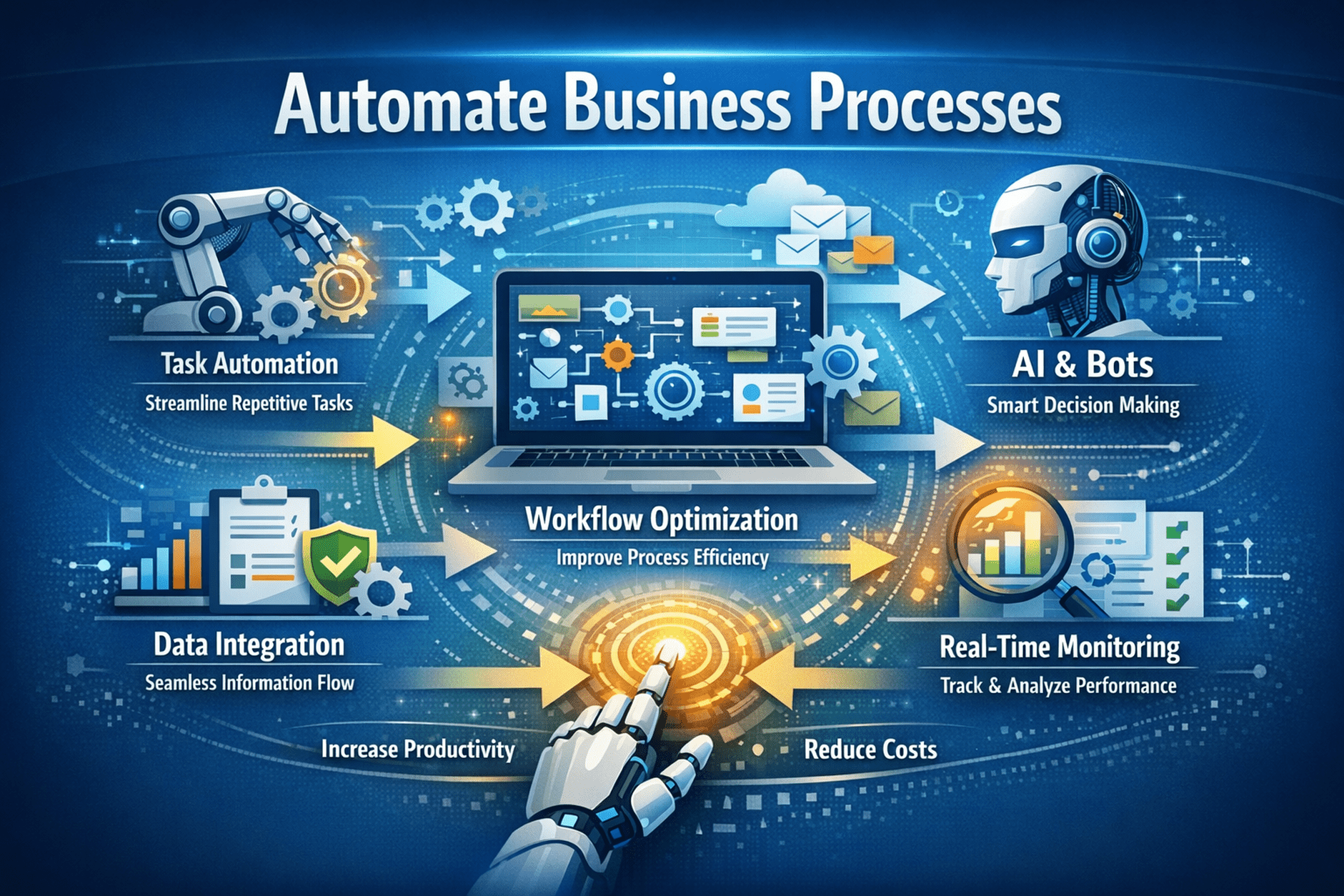

The contemporary enterprise demands agility and precision, making the strategic imperative to automate business processes more critical than ever for sustaining competitive advantage. Modern Workflow Automations transcend mere task offloading; they fundamentally reshape operational paradigms by integrating sophisticated orchestration, event-driven microservices. robust state management. This shift necessitates a granular understanding of distributed transaction patterns, idempotent operation design. the often-overlooked implications of latency and eventual consistency across disparate systems. Achieving true efficiency gains requires deep architectural foresight, scrutinizing inter-process communication protocols. meticulously defining error handling mechanisms to prevent cascading failures in complex digital ecosystems.

The Strategic Imperative: Beyond Basic Efficiency in Workflow Automation
Business process automation has evolved beyond cost reduction into a strategic necessity for resilience, agility, and competitive advantage. Effective automation is not about digitizing manual tasks but redesigning workflows to remove inefficiencies, improve accuracy, and accelerate outcomes. Take invoice processing: basic automation may use OCR to extract data into an ERP, but advanced systems combine intelligent document processing with machine learning to interpret semi-structured inputs, validate against purchase orders, detect anomalies, and trigger rule-based approvals. This transforms isolated task automation into end-to-end workflow optimization, cutting cycle times dramatically and reducing manual effort by up to 70–85%, while enabling smarter, context-driven operational decisions.
Deep Dive into Process Discovery and Analysis: The Foundation of Workflow Automation Success
Before automating any business process, a rigorous, data-driven discovery phase is essential. Rather than merely charting “as-is” workflows, practitioners conduct deep analysis to uncover bottlenecks, redundancies, manual effort, and hidden dependencies. Process mining platforms like Celonis and UiPath Process Mining analyze system event logs to reconstruct real execution paths, exposing deviations, rework, and inefficiencies. Task mining tools such as Automation Anywhere Discovery Bot and Microsoft Process Advisor capture user interactions to quantify repetitive work, cycle times, costs, and error rates, creating a reliable baseline for measuring automation ROI.
Architecting Robust Automation Solutions: Choosing the Right Modalities and Platforms
Selecting the appropriate automation modality is a critical architectural decision, directly impacting scalability, maintainability. return on investment for any initiative to automate business processes. It’s not a one-size-fits-all scenario. often, a hybrid approach leveraging multiple technologies yields the best results.
Here’s a comparison of common automation modalities:
| Modality | Mechanism/Technical Depth | Best Use Cases | Trade-offs/Limitations |
|---|---|---|---|
| Robotic Process Automation (RPA) | Software bots interact with applications via their user interface (UI) layer (e. g. , clicks, keyboard inputs) or sometimes via accessibility APIs. It mimics human actions without underlying system integration. | Highly repetitive, rule-based tasks with stable UIs across disparate, non-API-enabled legacy systems (e. g. , data entry, report generation from multiple sources). | Fragile to UI changes, performance overhead due to UI rendering, often non-scalable for complex logic, limited by UI access. Requires dedicated virtual machines or desktops for execution. |
| API Integration (via iPaaS/ESB) | Direct system-to-system communication using Application Programming Interfaces (APIs). Integration Platform as a Service (iPaaS) like Mulesoft or Dell Boomi, or Enterprise Service Bus (ESB) orchestrate these calls. | Connecting modern systems with well-documented APIs, complex data transformations, real-time data synchronization across applications. | Requires systems with robust APIs, higher initial development cost, requires skilled developers. Not suitable for legacy systems without APIs. |
| Business Process Management (BPM) Suites | Orchestrates human tasks, system tasks. decision logic through a defined process model (BPMN). Often includes workflow engines, rule engines. case management capabilities. | End-to-end process orchestration involving human-in-the-loop decisions, long-running processes, compliance-heavy workflows (e. g. , loan origination, claims processing). | Can be complex to implement, requires significant process analysis, potential for vendor lock-in, not ideal for simple task automation. |
| Low-Code/No-Code Platforms | Visual development environments allowing users to build applications and workflows with minimal to no coding, often leveraging pre-built connectors and drag-and-drop interfaces. | Rapid application development, citizen development initiatives, departmental-level automations, forms-based workflows (e. g. , Microsoft Power Automate, Appian, OutSystems). | Scalability and extensibility can be limited for enterprise-grade, complex integrations, potential for “shadow IT” if not governed properly, performance can be an issue with highly complex logic. |
| Intelligent Automation (AI/ML) | Incorporates Artificial Intelligence (AI) and Machine Learning (ML) for cognitive tasks like natural language processing (NLP), computer vision, predictive analytics. intelligent document processing (IDP). | Handling unstructured data, predictive maintenance, sentiment analysis, advanced fraud detection, dynamic decision-making in workflows. | Requires substantial data for training, expertise in data science, ethical considerations, high computational resources, “black box” nature can make debugging challenging. |
A common scenario involves an organization needing to automate customer onboarding. This might involve RPA to extract data from a legacy CRM (no API), API integration to provision services in a modern cloud platform, a BPM suite to orchestrate human approvals and compliance checks. IDP (Intelligent Document Processing) to automatically verify KYC (Know Your Customer) documents. Understanding the strengths and weaknesses of each modality. how they interoperate, is crucial for designing a resilient, future-proof automation architecture. For example, relying solely on RPA for critical, high-volume transactions, where the underlying application UI is prone to frequent changes, will inevitably lead to high maintenance costs and system fragility, potentially negating any initial efficiency gains.
Implementing Scalable Automation: Best Practices and Technical Considerations
Successful implementation of workflow automations extends far beyond simply getting a bot or integration to run. It demands adherence to robust engineering principles to ensure scalability, maintainability. resilience. One critical aspect is the adoption of a modular, reusable component architecture. Instead of building monolithic automation scripts for each process, break down common functionalities (e. g. , logging into a specific application, extracting a customer ID, handling common error types) into reusable components or sub-workflows. For example, if multiple automations interact with Salesforce, create a “Salesforce Login” module that encapsulates the authentication logic. This significantly reduces development time and facilitates easier maintenance. When Salesforce updates its UI or API, only one component needs modification, not dozens of independent bots.
Consider the technical implications of scaling. A single RPA bot can only process one item at a time. To handle peak loads or high volumes, a robust orchestration layer is essential. Platforms like UiPath Orchestrator or Automation Anywhere Control Room manage bot workload distribution, scheduling. resource allocation. This involves a queue-based processing model where work items are added to a queue. available bots pull items for execution. For example, if an invoice processing automation needs to handle 10,000 invoices daily. each invoice takes 2 minutes to process, you would need approximately:
(10,000 invoices 2 minutes/invoice) / (8 hours/day 60 minutes/hour) = 20,000 / 480 = ~41. 6 bots
This calculation informs the required bot farm size and licensing. Moreover, credential management and secure access are paramount. Hardcoding credentials into scripts is a severe security vulnerability. Automation platforms offer secure credential stores (e. g. , Orchestrator Assets, CyberArk integration) that encrypt and manage access to sensitive details. Each bot should operate with the principle of least privilege, having only the necessary permissions to execute its specific tasks. Version control (e. g. , Git) for automation scripts and configurations is non-negotiable, allowing for collaborative development, change tracking. rollback capabilities. The deployment pipeline should mirror standard software development practices: development, testing, staging. production environments, with automated testing (e. g. , unit tests for individual components, end-to-end tests for full workflows) integrated into the CI/CD process. This rigorous approach ensures that new automations or updates are thoroughly validated before impacting live operations, preventing costly disruptions.
Advanced Error Handling, Monitoring. Orchestration in Automated Workflows
The true measure of a resilient automation system lies in its ability to gracefully handle exceptions and continuously operate within expected parameters. Basic error handling, such as a simple “try-catch” block, is insufficient for enterprise-grade workflow automation. Advanced strategies involve multi-layered exception management, intelligent retry mechanisms. robust monitoring frameworks.
- Application-level Errors
- These are expected errors from the target application (e. g. , “invalid login,” “record not found”). Automations should be programmed to detect these specific messages and trigger predefined actions, such as logging the error with specific details, attempting a re-login, or marking the work item for human review.
- System-level Errors
- Unexpected technical issues (e. g. , network timeout, application crash). These require more robust recovery. A common approach is to implement a retry logic with exponential backoff, attempting to re-execute the failed step after increasing intervals (e. g. , 5s, 15s, 60s). If retries fail, the item is moved to an exception queue.
- Business Exceptions
- Situations where the process cannot proceed due to invalid business data or rule violations (e. g. , invoice amount exceeds approval limit, missing critical customer data). These should be routed to human operators via a dedicated exception queue or case management system, providing all necessary context for manual intervention.
Continuous monitoring is crucial. Automation platforms provide dashboards that display real-time bot status, queue depths, transaction success/failure rates. processing times. But, for deeper insights, integrate these metrics into an enterprise monitoring solution (e. g. , Splunk, Prometheus, Grafana). Key performance indicators (KPIs) to monitor include:
- Transaction Throughput
- Number of items processed per hour/day.
- Success Rate
- Percentage of transactions completed without error.
- Exception Rate
- Percentage of transactions requiring human intervention.
- Bot Utilization
- Percentage of time bots are actively processing.
- Queue Latency
- Time items spend in queues before being processed.
Alerts should be configured for deviations from baseline metrics, such as a sudden drop in throughput, a spike in exception rates, or an increase in queue latency. For example, an alert could be triggered if the “Invoice Processing” queue exceeds 50 pending items for more than 15 minutes, indicating a potential bottleneck. The orchestration layer (e. g. , UiPath Orchestrator, Azure Logic Apps) is responsible for managing these complex workflows, ensuring tasks are executed in the correct sequence, handling dependencies. escalating issues. It’s the conductor of your digital workforce, ensuring seamless execution and proactive issue resolution, making it possible to effectively automate business processes at scale.
Measuring Impact and Optimizing for Continuous Improvement
The journey to automate business processes is iterative, demanding continuous measurement, analysis. optimization. Without a robust framework for quantifying impact, automation initiatives risk becoming perceived as costly experiments rather than strategic investments. The initial process discovery phase provides baseline metrics (e. g. , manual processing time, cost per transaction, error rates). Post-implementation, these same metrics must be meticulously tracked to demonstrate tangible benefits and identify areas for further refinement.
- Process Cycle Time Reduction
- Quantify the reduction in end-to-end time from initiation to completion. For example, a loan application process that previously took 7 business days manually might now complete in 2 hours with automation, representing a >98% reduction.
- Cost Savings
- Calculate the reduction in labor costs (full-time equivalent – FTE savings), infrastructure costs (if applicable). error-related rework costs. A common benchmark for RPA projects is a 20-40% reduction in operational costs for automated processes within the first year.
- Error Rate Reduction
- Measure the decrease in human-induced errors. Automation can reduce manual data entry errors from 5-10% to less than 0. 1%.
- Throughput Increase
- The volume of transactions processed per unit of time. An automated system can process thousands of transactions per hour, whereas a human might process dozens.
- Compliance & Auditability
- Automated workflows inherently provide a comprehensive audit trail of every step, transaction. decision, drastically simplifying compliance reporting and reducing audit preparation time by 50-70%.
- Employee Satisfaction
- By offloading mundane, repetitive tasks, human employees can focus on more engaging, value-added work, leading to improved job satisfaction and reduced attrition.
Sustainable automation requires a continuous optimization loop rather than one-time measurement. Teams should routinely analyze dashboard data to detect trends such as recurring failures, latency spikes, or rising exception rates. Periodic use of process mining helps reassess the “to-be” workflow, uncovering bottlenecks created by automation or new improvement opportunities. For example, if an OCR component consistently misreads a document field, insights from performance data should drive model retraining or preprocessing adjustments. Similarly, A/B testing alternative logic – such as strict regex validation versus fuzzy matching – can reveal methods that reduce exceptions and accelerate throughput. This disciplined, data-driven cycle keeps automation adaptive, prevents performance stagnation, and steadily maximizes ROI.
Navigating Security, Compliance and Data Governance in Automation
Implementing workflow automations introduces new vectors for security risks, compliance obligations. data governance challenges that demand expert-level attention. Ignoring these aspects can lead to severe data breaches, regulatory penalties. reputational damage, negating any efficiency gains.
Automated bots, whether RPA or API-driven, often interact with sensitive data and systems, sometimes even having elevated privileges. Therefore, their security must be paramount.
- Identity and Access Management (IAM)
- Each bot or automation process should have a unique, non-human identity with the principle of least privilege. This means granting only the minimum necessary permissions to perform its designated tasks. For example, an RPA bot processing invoices should only have access to the accounting system’s invoice module, not payroll. These identities should be managed by an enterprise IAM system (e. g. , Active Directory, Okta) and regularly audited.
- Credential Management
- Never hardcode credentials. Utilize secure credential vaults (e. g. , CyberArk, HashiCorp Vault, platform-specific secure assets) that encrypt credentials at rest and in transit. Access to these vaults should be strictly controlled and audited.
- Network Segmentation
- Deploy bots within segmented network environments, often in a dedicated Virtual Private Cloud (VPC) or segregated VLANs, to limit lateral movement in case of a breach. Implement firewalls and intrusion detection/prevention systems (IDS/IPS) to monitor bot traffic.
- Secure Coding Practices
- All automation scripts and integration code must adhere to secure coding guidelines. This includes input validation to prevent injection attacks, proper error handling to avoid insights disclosure. regular security reviews of the codebase.
- Audit Trails
- Every action performed by an automation should be logged with timestamps, user/bot identity. outcome. These logs must be immutable and centrally stored in a Security data and Event Management (SIEM) system for threat detection and forensic analysis.
Automations must comply with relevant industry regulations (e. g. , GDPR, HIPAA, SOX, PCI DSS) and internal data governance policies.
- Data Privacy
- Automations handling personal identifiable data (PII) must be designed to minimize data exposure, encrypt data at rest and in transit. adhere to data retention policies. For instance, if an automation extracts customer data, it should only retain it for the necessary processing period before secure deletion or anonymization.
- Regulatory Traceability
- The detailed audit trails provided by automation platforms are crucial for demonstrating compliance. During an audit, you must be able to prove who (which bot), what (which transaction), when. how a specific process step was executed.
- Separation of Duties (SoD)
- Ensure that the design of automated workflows maintains SoD where human intervention is reduced. For example, the bot that initiates a payment should not be the same bot (or human) that approves it, unless explicitly allowed by policy and audit controls are in place.
- Data Lineage
- grasp the origin, transformation. destination of data within automated workflows. This is critical for data quality, regulatory reporting. troubleshooting. Document data flows explicitly.
Regular security audits, penetration testing of automation environments. compliance reviews are not optional. Ignoring these aspects to quickly automate business processes can lead to catastrophic consequences, far outweighing any operational benefits. A robust governance framework, often managed by a dedicated Center of Excellence (CoE), is essential to oversee these critical aspects across the entire automation landscape.
Conclusion
Having dissected the intricate mechanics of process automation, interpret that its true value extends beyond mere task offloading; it’s about architecting deterministic resilience into your operational framework. This isn’t a one-time deployment but a continuous, iterative cycle demanding rigorous post-implementation calibration, A/B testing of workflow permutations. an unwavering focus on real-time telemetry. My personal experience indicates that the most impactful automations stem from a holistic comprehension of their integration touchpoints and potential failure states, not just their ideal execution paths. Embrace an optimization mindset, leveraging advanced analytics to quantitatively validate every efficiency assertion. Your immediate strategic imperative is to define the ‘minimum viable automation’ for your highest-friction processes and commit to empirically proving its impact, perhaps by advancing your analytics maturity to guide precise measurement. This ensures your automated systems don’t just function. consistently adapt and outperform amidst dynamic business logic, truly boosting your efficiency.
More Articles
Unlock Business Value by Building Efficient Data Pipelines
How to Streamline Your IT Workflows for Maximum Business Efficiency
Master Cloud Jargon Easily 9 Key Terms Explained For Everyday Understanding
The Ultimate Roadmap for E-commerce Keyword Research and Sales Growth
Your Essential Checklist for Choosing the Right CMS Platform

FAQs
What exactly is this essential checklist for?
This checklist is your step-by-step guide to successfully planning, implementing. optimizing business process automation. It covers everything from identifying the right processes to automate to measuring your success, ensuring you get real efficiency gains and a solid return on your investment.
Why should my business bother with automation? What’s the big deal?
Automating processes can dramatically cut down on manual errors, free up your team from repetitive tasks so they can focus on more strategic work, speed up operations. ultimately save you money and boost overall productivity. It’s all about working smarter, not just harder. gaining a competitive edge.
I’m interested. where do I even begin with automating our processes?
The checklist starts by guiding you to identify the most suitable processes for automation. Look for tasks that are repetitive, time-consuming, prone to human error, or have clear, defined steps. Prioritizing these first will often show the quickest and most impactful results, building momentum for further automation.
Are there common pitfalls or mistakes people make when trying to automate?
Absolutely! A big one is trying to automate a broken process instead of fixing it first. Other common missteps include not involving the right people in planning, failing to properly test, or neglecting to monitor and refine the automated processes after launch. Our checklist helps you steer clear of these common traps.
What types of business processes are typically good candidates for automation?
Many processes across various departments are great candidates! Think about tasks in finance (invoice processing, expense reports), HR (onboarding, payroll updates), customer service (ticket routing, FAQ responses), or operations (inventory tracking, data entry). If it’s rule-based and repetitive, it’s likely a good fit.
How can I tell if our automation efforts are actually working and making a difference?
The checklist emphasizes setting clear metrics before you start. You’ll want to track things like time saved, reduction in errors, cost savings, improved throughput, or increased employee satisfaction. Regular monitoring and analysis against these benchmarks will show you the real impact and prove the value of your automation.
Do I need a team of tech gurus to implement this, or can a regular business team handle it?
While some complex automations might benefit from IT involvement, many modern automation tools are designed to be user-friendly, often called ‘low-code’ or ‘no-code’ platforms. This means regular business users, with the right guidance from the checklist, can often set up and manage many automated processes themselves, empowering your existing team.